
Appcues is a good product. Teams rarely leave because it's broken — they leave because the bill meters on monthly active users and climbs as the product grows, because every plan now sits behind a sales call, or because setup turned out to need more engineering than the no-code marketing suggested. This guide compares seven real alternatives across the things that actually decide a switch — who builds the tours, setup effort, analytics depth, which surfaces are covered, and how each one charges — with an honest read on which team each fits, including which vendors publish their pricing and which make you book a demo to find out.
Why teams look for an Appcues alternative
Appcues is the category's original (founded 2013) and still one of its most polished no-code builders, with native mobile SDKs and multi-channel Workflows that most rivals can't match. The reasons teams start shopping anyway, drawn from recurring G2 and review themes:
- Every plan is sales-gated. Appcues publishes no prices — all three tiers are "contact sales" — so you can't run a real comparison, or budget, without a call.
- The MAU meter charges for growth, not results. Pricing scales with monthly active users, so a successful product pays more for the same tours. Even the MAU definition itself is a known point of confusion between the pricing page and the docs.
- Setup is heavier than "no-code" suggests. A recurring review theme: advanced targeting and integrations pull engineering back in. One G2 reviewer: "The implementation REQUIRED us to hire JS Developers."
- Flows pile up with nowhere to file them. Long-standing complaint: no folders or real organization, so the flow dashboard gets bulky as your library grows.
- Native analytics stay basic. Fine for flow completion; teams that want behavioral insight end up bolting on a separate analytics tool.
If none of those describe your team — especially if you rely on Appcues' native mobile SDKs or its in-app + email + push Workflows — staying put is a legitimate outcome of this comparison.
What to look for in an Appcues alternative
Five questions that separate these tools more than any feature grid does:
- Who builds the tours? A non-technical PM, a designer who wants pixel control, or an engineer who treats onboarding as code. Each tool optimizes hard for one of those, and picking against your team's reality is the most common regret.
- How does it charge? Flat, per-MAU/MTU, or custom contract. If the MAU meter is why you're leaving, note that most of the tools below still meter on active users — only a flat plan actually removes it.
- Which surfaces? Appcues covers web and native iOS/Android. Most alternatives here are web-first, so a real native mobile app narrows this list fast.
- How deep does analytics go? A tour tool with step analytics, or a full product-analytics suite. Bundled analytics only earns its keep if you're not already on Amplitude, Mixpanel, or PostHog.
- Setup and maintenance weight. The quiet cost isn't the invoice — it's who keeps tours alive when the UI changes, and how much of their month it takes.
The 7 alternatives at a glance
| Tool | Best fit | Who builds tours | Setup effort | Built-in analytics | Pricing model |
|---|---|---|---|---|---|
| StepsKit | Tours live fast, flat predictable cost | No-code (non-technical) | Low | Step-level, built in | Flat |
| Product Fruits | All-in-one breadth on a budget | No-code | Low | Basic | Tiered + per-MAU |
| UserGuiding | Gentlest editor, real free tier | No-code | Low–moderate | Basic | Tiered + per-MAU (free tier) |
| Userflow | Developer-friendly, handles tricky UIs | No-code + code-first | Moderate | Moderate | Per-MAU, published |
| Chameleon | Design control, native-feeling patterns | No-code (CSS helps) | Moderate | Moderate | Per-MTU, entry published |
| Userpilot | Onboarding + product analytics in one | No-code | Moderate | Deep (bundled) | Per-MAU, entry published |
| Pendo | Enterprise analytics + adoption at scale | No-code | Heavy (weeks) | Deepest | Free tier + custom contract |
1. StepsKit — best for shipping tours fast on flat, predictable pricing
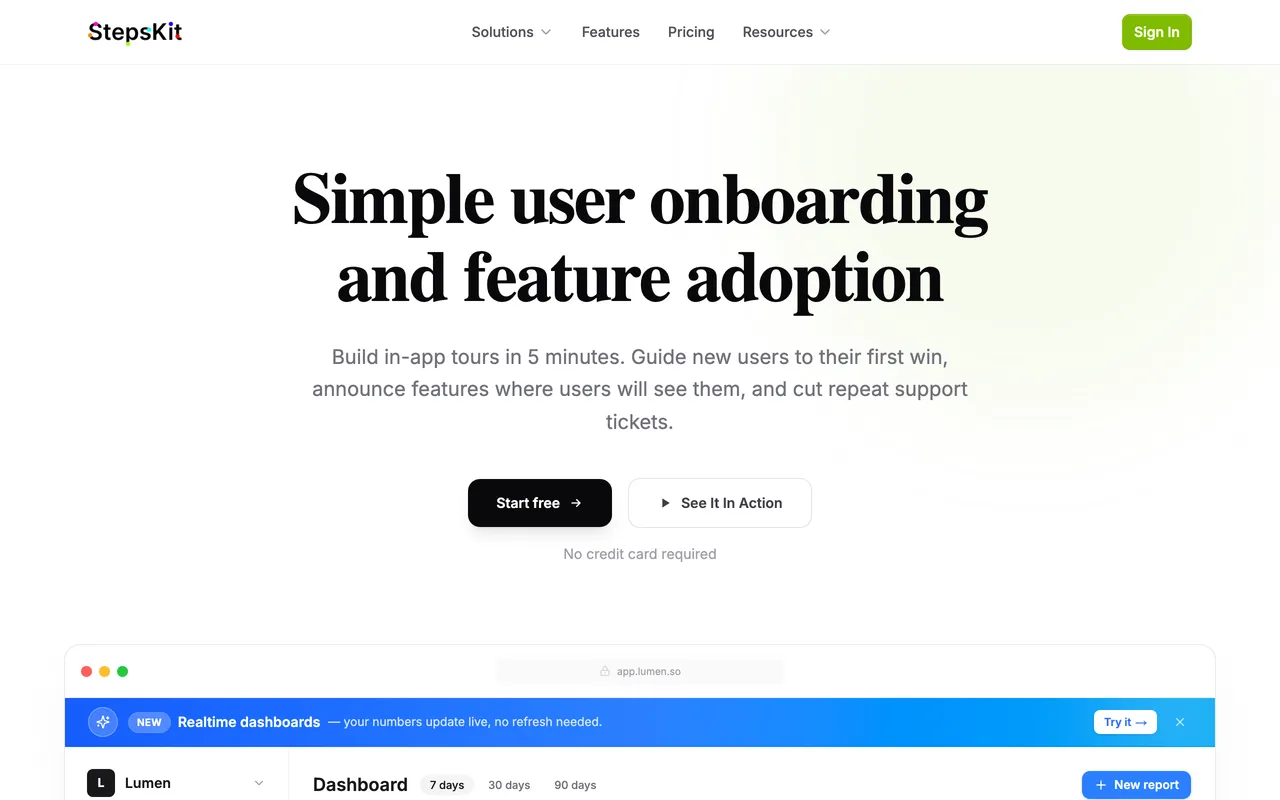
StepsKit attacks the two complaints Appcues reviewers repeat most: the meter and the machinery. Pricing is a flat monthly plan with no per-user metering — a tour seen by 100,000 people costs the same as one seen by 100 — and there's no sales call to find out what it costs. The builder goes the same way: write a tour, theme it to your brand, target it, ship. No implementation project, no JS developers on retainer.
For a team that chose Appcues for polished no-code and then watched setup sprawl, that trade is the whole point. Analytics are built in at the step level, so drop-off is visible without a second tool, and an AI assistant drafts step copy when you're starting from a blank tour.
What it does well:
- Live in minutes — write, theme, target, ship, with no implementation project
- Flat monthly pricing, published on the site — no MAU meter, no demo call to see a number
- Step-level tour analytics built in, so drop-off is visible without a separate tool
- AI content assistant for drafting step copy
- Audience targeting, page-level visibility rules, and brand theming included
- First tour is free — no credit card, no demo call
Where it falls short: web-first, with no native iOS/Android SDKs — a real regression if Appcues' mobile support is why you bought it; no email or push channels, so it doesn't replace Appcues Workflows; and no enterprise governance/SSO depth today.
Best for: founders and small teams shipping onboarding without an engineering project, or anyone whose Appcues bill outgrew the value of the tours it was metering.
The tradeoff: you give up Appcues' breadth — mobile SDKs, multi-channel messaging — for speed and predictable cost. The right call when web tours are the actual job; a sidegrade if mobile is. (The StepsKit vs Appcues comparison sets the pricing and feature detail side by side.)
2. Product Fruits — best for all-in-one breadth on a budget
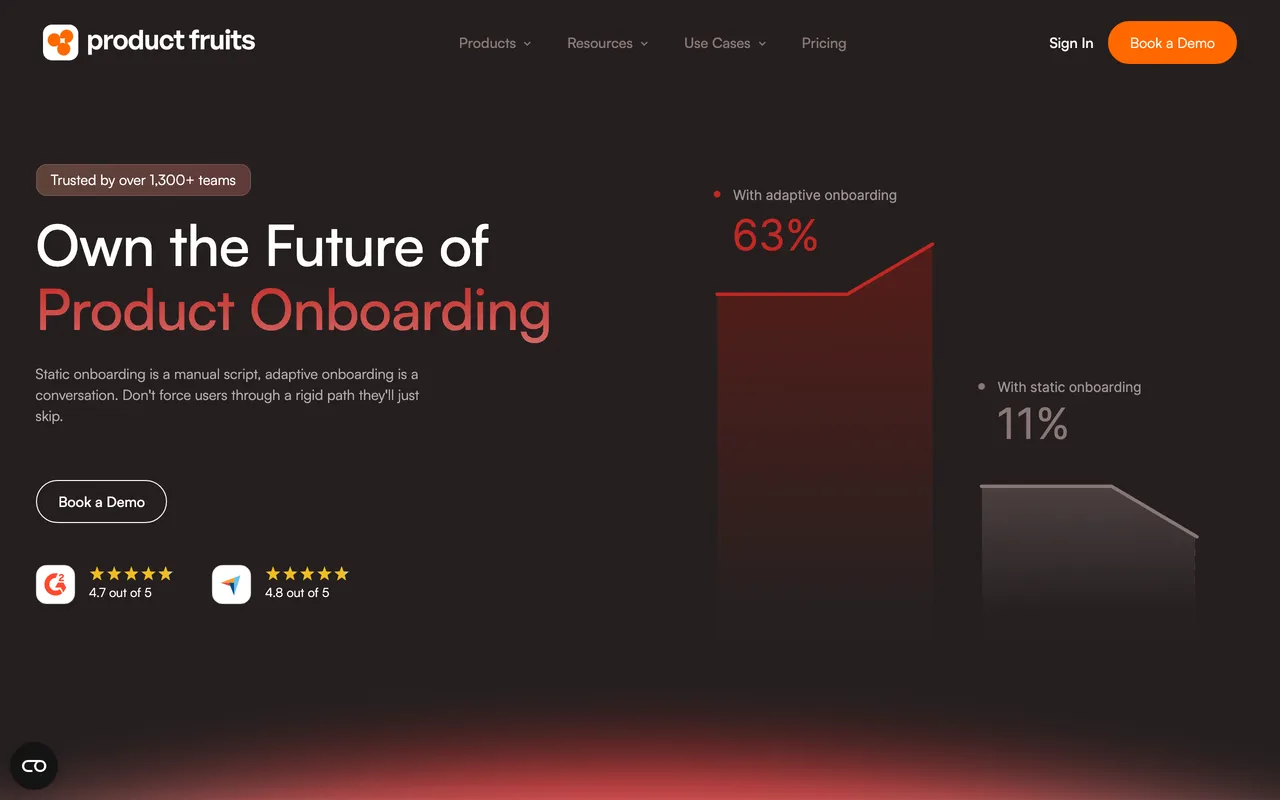
Product Fruits is where budget-conscious Appcues leavers usually land first: tours, checklists, announcements, feedback collection, a knowledge base, and an AI support bot in one bundle, at published prices whose entry tier sits well below anything else on this list. Signup is self-serve, and the full-access trial doesn't ask for a card.
The 2026 story is its Elvin Copilot push — AI-generated onboarding flows and an in-app agent that answers "how do I…?" questions by triggering the relevant tour — and unusually, the AI features span all tiers rather than being gated upmarket. The trade is polish: design flexibility is limited, and the analytics stay shallow.
What it does well:
- The lowest published entry price on this list, with self-serve signup
- Broad bundle — tours, checklists, announcements, feedback, knowledge base — without stitching tools together
- No-code editor with a minimal learning curve
- AI onboarding and support bot (Elvin) included across tiers, not gated to enterprise
- Fast, well-reviewed human support
Where it falls short: limited visual and layout flexibility, so pixel-perfect brand matching is out of reach; analytics report views and completions but little behavioral insight; and CRM/CDP integrations are thin, with reviewers noting a buggy browser editing extension.
Best for: SMBs that want most of Appcues' feature checklist at a fraction of the spend and can live with "good enough" polish.
The tradeoff: the most tool for the least money, paid for in design control and depth — it still meters on MAUs, just from a much lower base.
3. UserGuiding — best for the gentlest learning curve, with a real free tier
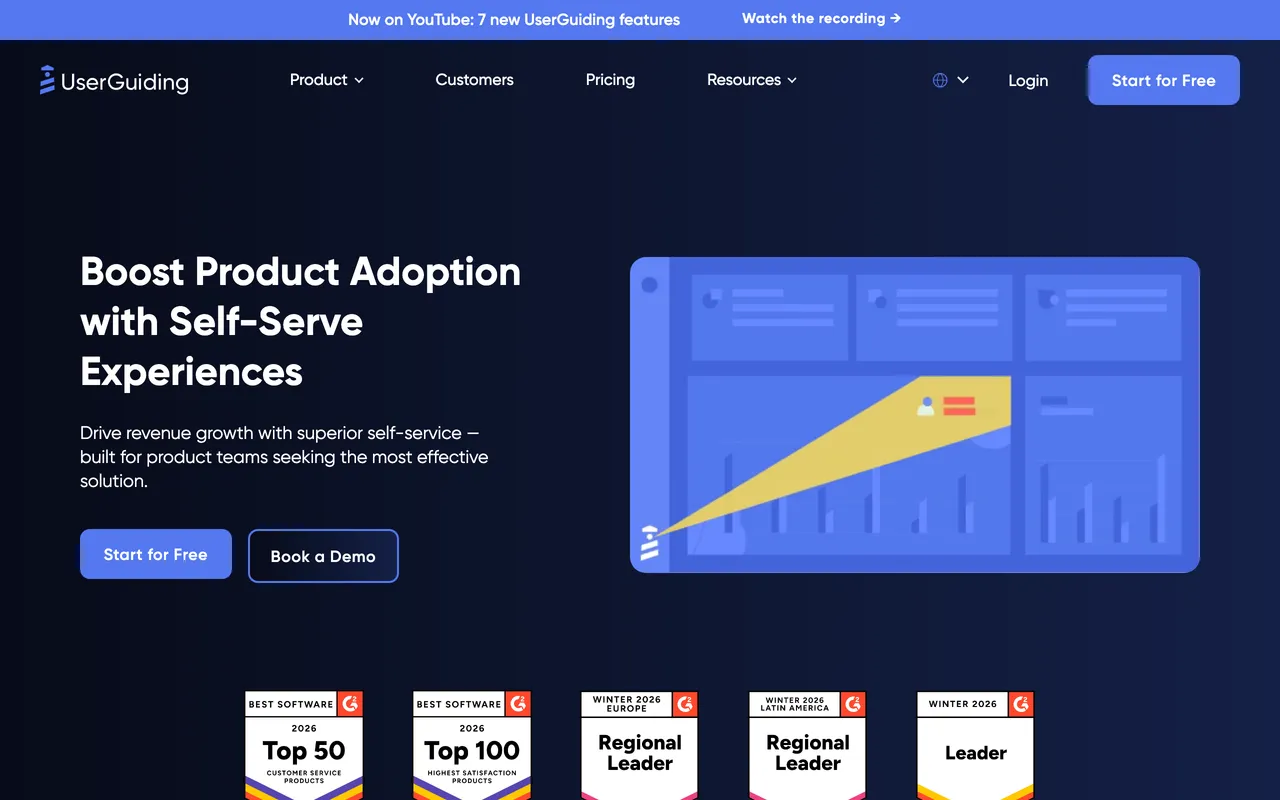
UserGuiding's reputation is ease of use: the editor non-technical teammates actually pick up, plus checklists, surveys, a resource center, and a knowledge base out of the box. It's also the only traditional suite here with a genuine free-forever tier (knowledge base, product updates, and its AI assistant), which makes it the lowest-risk way to test a switch.
The honest caveat is its own pricing trajectory: the most-repeated recent review complaint isn't the product, it's renewal bills that jumped sharply — several G2 reviewers report their subscription roughly doubling within a year — plus caps on guides and surveys that feel tight on lower tiers. It softens the Appcues cost problem rather than removing it.
What it does well:
- Consistently praised as the easiest editor in the category to learn
- Genuine free-forever tier as an on-ramp, plus published prices for paid tiers
- Broad module bundle: guides, checklists, surveys, resource center, knowledge base
- AI assistant included even on the free tier
- Strong satisfaction scores on G2 and Capterra
Where it falls short: review threads flag steep renewal increases and stingy usage caps; customization is uneven across modules (product updates and KB articles can't be fully branded); and analytics plus advanced segmentation stay basic.
Best for: teams whose Appcues friction was the learning curve, and who want breadth without an implementation project.
The tradeoff: the friendliest on-ramp in the category, with a pricing trajectory worth negotiating up front — lock terms at signature, not renewal. See StepsKit vs UserGuiding for where that trajectory lands.
4. Userflow — best for developer-friendly onboarding and hard-to-target UIs
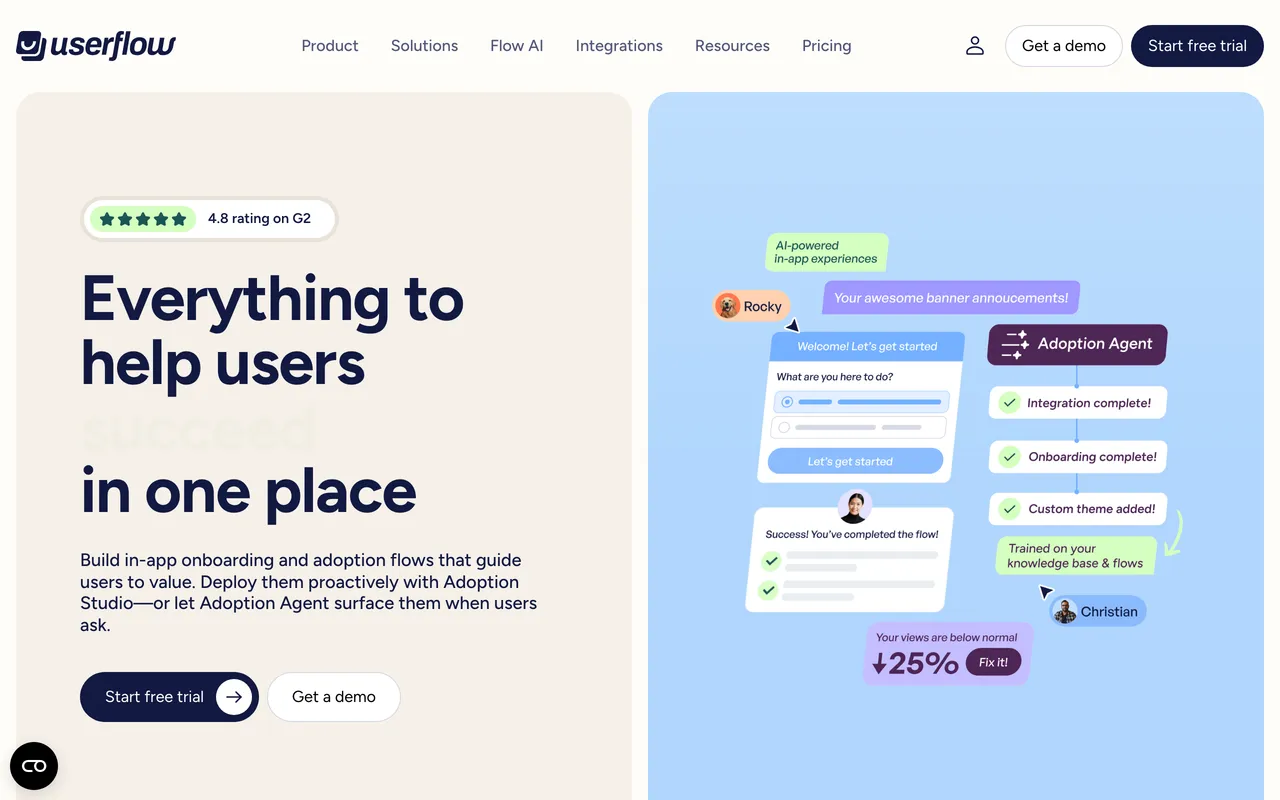
Userflow is the closest to Appcues in spirit — a fast, genuinely no-code builder — but leaner and happier with an engineer in the room. Its standout is unglamorous and real: a CSS-selector engine that keeps tours attached to complex, dynamic single-page apps without sprinkling element IDs through the codebase. If your Appcues flows kept breaking on UI changes, this is the specific cure.
It was acquired by Beamer in early 2024 and continues as a standalone, actively developed product; the current push is FlowAI — record a walkthrough of your app and it drafts the flow, plus AI translation and an in-product Adoption Agent that answers user questions with guidance. Notably, Userflow now publishes its prices, so the old "opaque pricing" complaint no longer applies — only the enterprise tier is gated.
What it does well:
- Exceptionally smooth builder — teams report publishing ten-plus flows in the first week
- Selector engine that survives complex and dynamic UIs, the most-cited standout in reviews
- FlowAI: AI-recorded flows, auto-translation, and an in-app adoption agent
- Published pricing with a transparent per-MAU overage — no demo required below enterprise
- Checklists, surveys, banners, and a resource center included
Where it falls short: analytics are the thin spot — survey reporting and behavioral insight trail Userpilot and Pendo; there's no template library, so every flow starts from scratch; and several must-haves (unlimited surveys, localization, advanced integrations) sit on the pricier second tier.
Best for: product teams with an engineer in the loop, or anyone whose single-page app kept eating Appcues' selectors.
The tradeoff: precision and developer ergonomics over analytical depth — you'll likely keep a separate analytics tool.
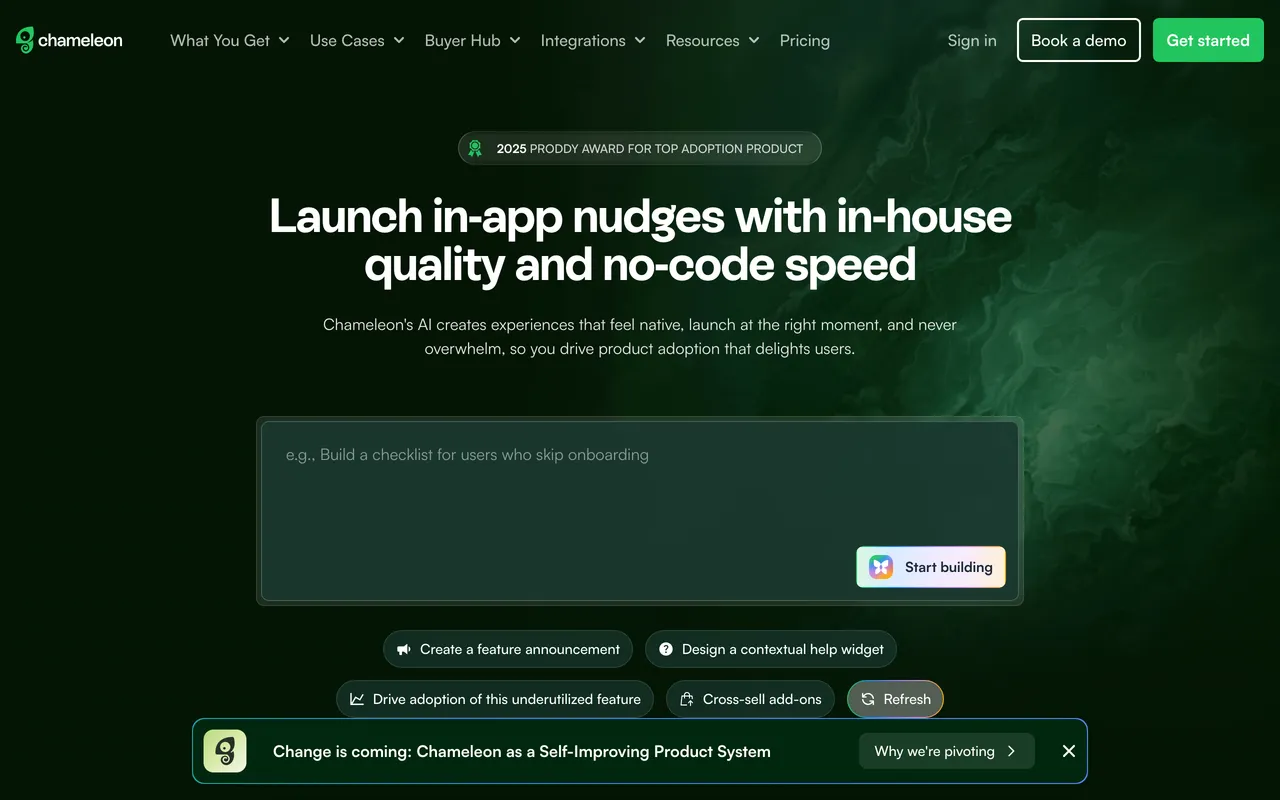
5. Chameleon — best for design control and native-feeling UI patterns
Chameleon is the design-forward pick: granular styling control, polished tooltips, microsurveys, launchers, and experiences that can pass for part of your product. Where Appcues optimizes for shipping fast, Chameleon optimizes for how the result looks — and rewards a CSS-comfortable hand accordingly. It publishes its entry tier; the upper tiers, where the AI features and unlimited experiences live, are gated behind a demo, and the step up between tiers is steep.
Two things worth knowing before evaluating: the recurring G2 theme that "the promise exceeds what the product delivers in practice" — reviewers cite editor fragility and "missing element" errors that pull developers back in — and the company's own mid-2026 homepage banner announcing a repositioning as a "Self-Improving Product System," which makes the near-term roadmap worth a direct question on any sales call.
What it does well:
- Best-in-class visual customization — experiences that genuinely look native to your product
- Granular targeting and segmentation
- Polished pattern library: tooltips, microsurveys, launchers, checklists, HelpBar
- Entry tier is published and self-serve, with a full-featured trial
- Strong educational content and documentation
Where it falls short: the "promise exceeds reality" review theme is persistent — expect editor fragility and some developer involvement despite the no-code pitch; no native mobile SDKs (a step down from Appcues); and A/B testing, localization, and the AI features are locked to the expensive upper tiers.
Best for: design-conscious teams with front-end support who found Appcues' visual ceiling too low.
The tradeoff: the best-looking output in the category in exchange for a steeper price curve and more hands-on maintenance — a lateral move on cost, not a saving.
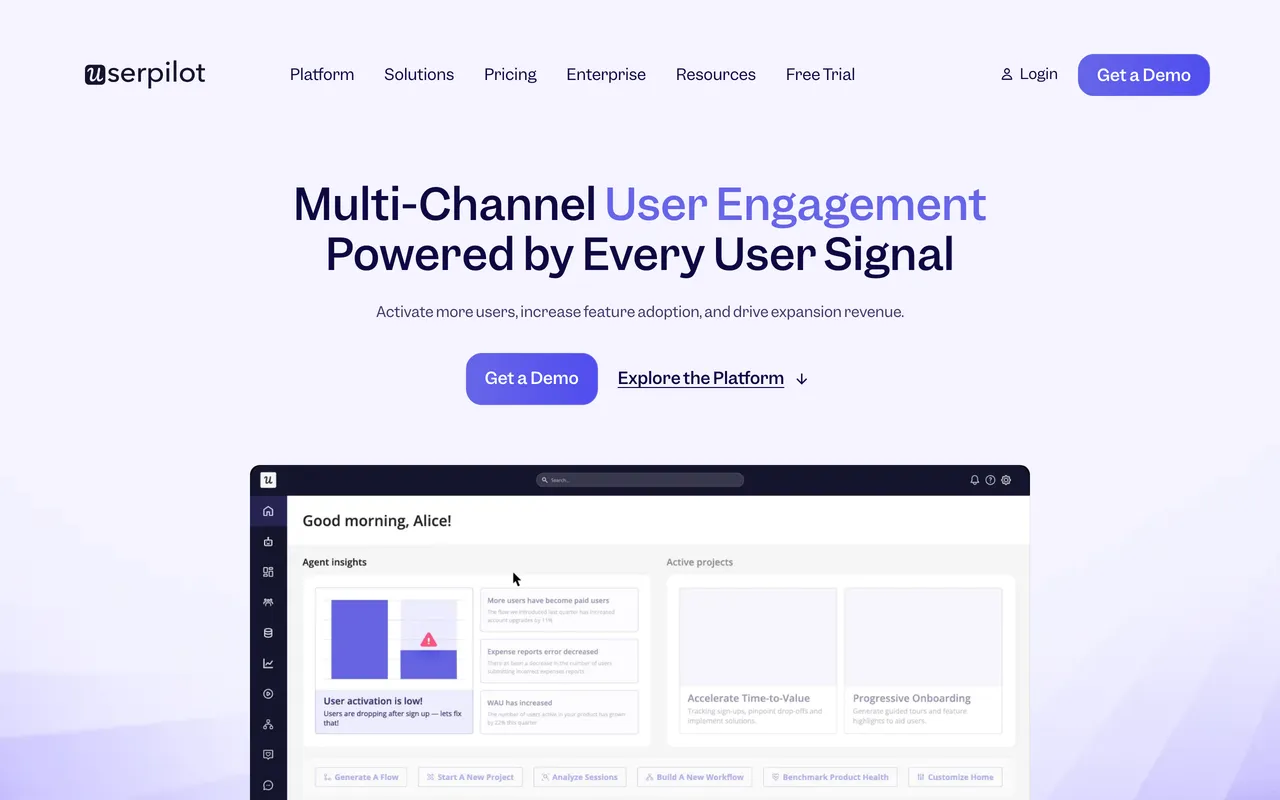
6. Userpilot — best for onboarding and product analytics in one
Userpilot's pitch is consolidation: flows, checklists, surveys, NPS, and genuine product analytics — funnels, feature usage, cohorts — under one roof. It's the natural move when the real reason you're leaving Appcues is that its analytics never told you whether the onboarding worked. Documented switchers cite exactly that: more advanced segmentation and analytics than Appcues offers.
It's also a heavier tool than Appcues, not a lighter one. The dominant review complaint is the learning curve, and the published entry tier's MAU cap is low enough that growing teams get routed to sales-gated tiers quickly. The bundled analytics is the differentiator — and redundant spend if your team already lives in Amplitude or Mixpanel. For the mirror-image comparison, there's a separate roundup of Userpilot alternatives.
What it does well:
- Genuine product analytics — funnels, trends, cohorts — alongside the flow builder
- Strong segmentation and event-based targeting, a cited reason teams switch from Appcues
- Native NPS and microsurveys
- Well-rated support and onboarding assistance
- Native mobile available as a paid add-on
Where it falls short: the steep learning curve is the most-mentioned complaint by a wide margin; deep visual customization is limited; and real costs live in the sales-gated tiers above the low-cap entry plan, metering on MAUs just like Appcues.
Best for: mid-market teams that want onboarding decisions and the data behind them in the same tool.
The tradeoff: one consolidated platform in exchange for a real ramp-up investment — you're adopting an analytics suite, not just a tour builder.
7. Pendo — best for enterprise analytics and adoption at scale
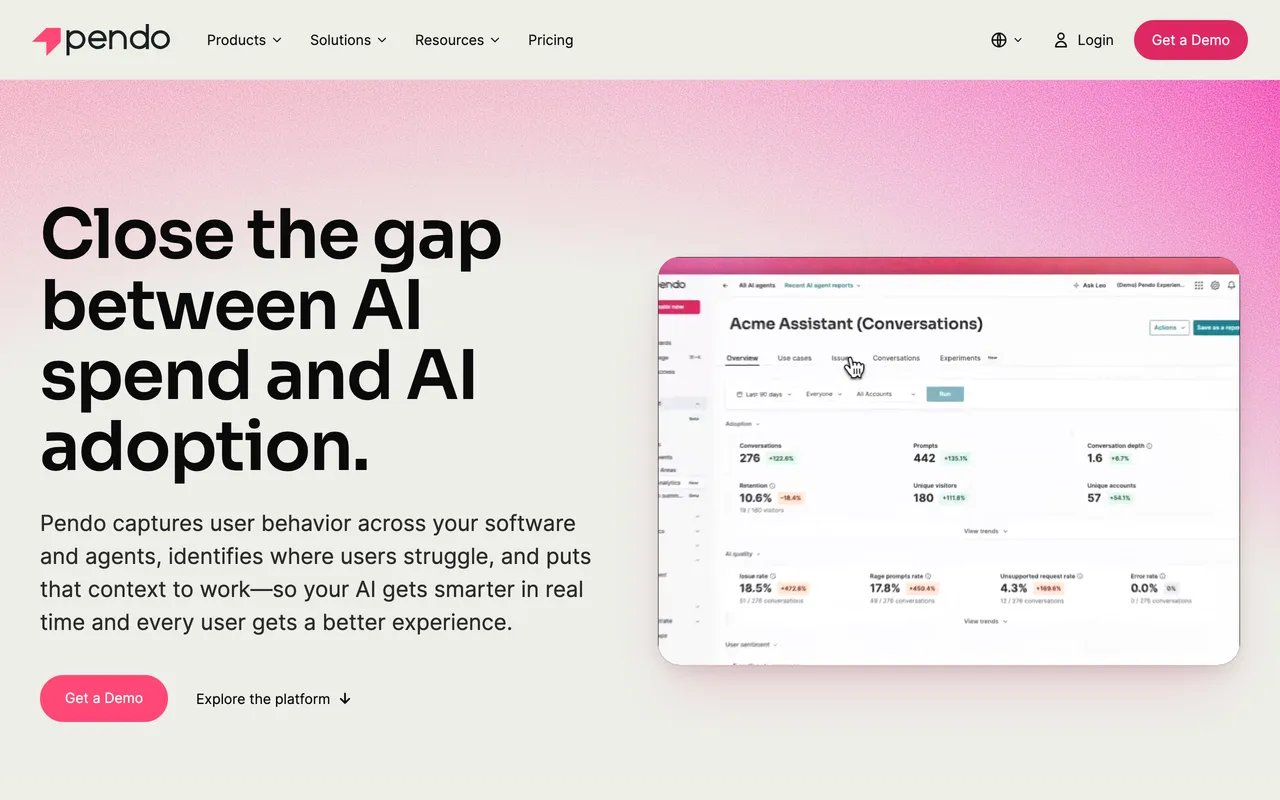
Pendo is the heavyweight: an analytics-first platform where guides ride on top of best-in-class behavioral data — retroactive analytics that answer questions without pre-instrumenting events, session replay, sentiment surveys, and native mobile coverage. Organizations where Product, CS, and Marketing all work from the same behavioral data buy Pendo for exactly that breadth.
It's the reverse of Appcues' shape — analytics-first rather than guidance-first — and it costs like it: beyond a genuinely useful free tier, every paid plan is a custom sales-gated contract that typically runs well into five figures annually, with implementation measured in weeks and, commonly, a dedicated owner. Guide styling beyond the basics tends to need CSS. For a deeper head-to-head, see the full Pendo comparison — or the best Pendo alternatives roundup if Pendo itself is what you're weighing.
What it does well:
- The deepest product analytics of the group — retroactive, accurate, no event pre-instrumentation
- Session replay, NPS/sentiment, and in-app guides on one platform
- Native mobile and multi-product coverage
- A real free tier to evaluate with
- Scales to org-wide use across Product, CS, and Marketing
Where it falls short: cost is the defining objection — custom contracts commonly cited in the tens of thousands per year and rising; every paid tier is sales-gated; and it demands a dedicated owner, with guide customization needing CSS help — overkill if onboarding tours are the actual job.
Best for: Series B+ organizations buying a product-data platform, where guides are one feature among many.
The tradeoff: unmatched depth and breadth in exchange for enterprise cost, complexity, and rollout time.
How to choose
Match the tool to why you're leaving, not to a leaderboard:
- Leaving over the MAU meter or the sales-gated pricing? → StepsKit (flat plan, published price) or Product Fruits (lowest published tiers).
- The editor's learning curve was the problem? → UserGuiding, or StepsKit for the shortest path to a live tour.
- Your SPA kept breaking flow targeting? → Userflow's selector engine is built for exactly that.
- Appcues' visual ceiling felt too low? → Chameleon, if you have front-end support to lean on.
- You need to know whether onboarding actually works? → Userpilot (mid-market) or Pendo (enterprise).
- Native mobile onboarding is non-negotiable? → Pendo, Userpilot's add-on — or stay on Appcues, whose mobile SDKs are genuinely strong.
When you don't need an Appcues alternative at all
A section the affiliate-funded roundups skip. Switching is the wrong move when:
- Native mobile is core to your onboarding. Appcues' iOS/Android SDKs are a real strength; most tools on this list are web-first. Leaving costs you that coverage or forces a second tool.
- You're using Workflows across channels. If in-app, email, and push orchestration on one canvas is load-bearing for your lifecycle messaging, none of the lighter tools here replaces it one-for-one.
- The pain is one missing capability mid-contract. The honest fix is often a renewal negotiation, not a migration that costs weeks of rebuilding flows, segments, and analytics wiring.
- The real problem is the product, not the onboarding. Most "users get stuck" moments are empty-state or first-run-clarity problems. A tour on top of a confusing screen is a band-aid no tool on this list fixes.
- You're under ~50 active users with one flow. A hand-rolled implementation takes an afternoon and costs nothing per month. Reach for a tool when non-engineers need to author, target, and measure.
Bottom line
Strip away the brand names and the choice comes down to why you're leaving. If it's the meter and the sales-gate, the honest escapes are StepsKit's flat plan or Product Fruits' budget tiers. If it's ease, UserGuiding. If it's fragile targeting, Userflow. If it's the visual ceiling, Chameleon. If it's the missing data, Userpilot or Pendo — knowing both are bigger commitments than the tool you're leaving.
And if you mostly need tours live fast on predictable, flat pricing — without a sales call or an MAU meter — that's the problem StepsKit was built for, and the first tour is free if you'd rather try it than take our word for it. Whatever you choose, match it to your team's reality rather than a leaderboard: the wrong-fit tool is expensive at any price.
Common questions
What is the best Appcues alternative? There's no single best — it depends on why you're leaving. For the fastest, flat-priced path, StepsKit. For the most features per dollar, Product Fruits. For the gentlest editor, UserGuiding. For fragile-UI targeting, Userflow. For design control, Chameleon. For analytics alongside onboarding, Userpilot or Pendo.
Does Appcues publish its pricing? No — as of mid-2026, all three Appcues tiers are sales-gated, and plans meter on monthly active users. Five of the seven alternatives here publish at least an entry price; only Pendo's paid tiers (and the upper tiers of several others) require a sales conversation.
What's the most affordable Appcues alternative? Product Fruits has the lowest published entry tier, UserGuiding adds a genuine free-forever plan, and StepsKit charges a flat rate that doesn't climb with your user count. Which is cheapest for you depends on how many active users you have — that's exactly what the MAU meters hide.
Which alternatives support native mobile apps? Pendo covers native mobile fully, and Userpilot offers it as a paid add-on. StepsKit, Product Fruits, UserGuiding, Userflow, and Chameleon are web-first. If you rely on Appcues' mobile SDKs, that requirement narrows this list to two — or argues for staying.
Which has the strongest analytics? Pendo, by a wide margin, followed by Userpilot's bundled suite. StepsKit gives you step-level tour analytics out of the box; the others are lighter. If you already run Amplitude, Mixpanel, or PostHog, you may not need bundled analytics at all.
Can I migrate my existing Appcues flows? No tool offers a one-click import — targeting and content models differ too much between vendors. Plan to rebuild flows manually. The upside: a migration is a natural moment to delete the flows that never pulled their weight.
For the wider category beyond Appcues' direct competitors, see our roundup of the best product tour software in 2026.