Chameleon is a good product. Teams rarely leave because it's broken — they leave because the editor needs a CSS-comfortable hand to get the most out of, the product grew a native mobile app, tours keep breaking when the app's UI changes, or the bill outgrew the value. This guide compares six real alternatives across the things that actually decide a switch — who builds the tours, how much design control you get, ease of use, mobile and analytics coverage, and cost — with an honest read on which team each one fits.
Why teams look for a Chameleon alternative
Chameleon sits in the design-flexible mid-market: granular control over how in-app experiences look, a deep feature set (Tours, Tooltips, Microsurveys, Launchers, Checklists, HelpBar), and a brand-conscious buyer. The reasons teams start shopping, drawn from recurring G2 and Capterra themes:
- The editor rewards CSS knowledge. Chameleon's flexibility is real, but the praise tends to come from teams with a designer or front-end-comfortable PM. For a solo PM, that same flexibility reads as a learning curve.
- Tours need ongoing maintenance. A recurring review theme: element targeting breaks when the underlying app ships UI changes, so someone has to keep fixing live tours.
- No native mobile. Chameleon covers web and "wrapped" hybrid apps, not native iOS (Swift) or Android (Kotlin). A product with a true native mobile surface needs a second tool anyway.
- Analytics are lighter than a dedicated suite. Fine for tracking tour completion; not a replacement for Amplitude/Mixpanel/Pendo-grade product analytics if that's what you actually need.
- Cost and how it scales. Pricing meters on monthly tracked users, so the bill grows with the product, and the Startup → Growth step is steep — features like webhooks and higher event volumes sit on the upper tier. For a succeeding product, that curve points the wrong way.
If none of those describe your team, Chameleon may already be the right tool — staying put is a legitimate outcome of this comparison.
What to look for in a Chameleon alternative
Five questions that separate these tools more than price does:
- Who builds the tours? A non-technical PMM, a designer who wants pixel control, or an engineer who wants tours in code. Each tool optimizes hard for one of those, and picking against your team's reality is the most common regret.
- Design control vs. speed. Some tools trade Chameleon's deep customization for getting a tour live in an afternoon. Decide which you actually need — most teams over-buy on customization they never use.
- Which surfaces? Web only, native mobile, or pre-signup interactive demos. If you have a Swift/Kotlin app, that requirement narrows the list fast.
- How deep does analytics go? A standalone tour tool, or a full product-analytics suite. Bundled analytics only earns its keep if you're not already on Amplitude, Mixpanel, or PostHog.
- Cost and pricing model. Flat vs. per-MTU vs. custom contract is the real long-term cost difference — but weigh it after fit, not before.
The 6 alternatives at a glance
| Tool | Best fit | Who builds tours | Setup effort | Built-in analytics | Pricing model |
|---|---|---|---|---|---|
| StepsKit | Shipping tours fast, no learning curve | No-code (non-technical) | Low | Step-level, built in | Flat |
| UserGuiding | All-in-one breadth, approachable | No-code | Low–moderate | Basic | Tiered + per-MAU |
| Appcues | Polished, well-supported no-code | No-code | Moderate | Moderate | Sales-gated |
| Userpilot | Onboarding + product analytics in one | No-code | Moderate | Deep (bundled) | Tiered + per-MAU |
| Userflow | Engineering-owned onboarding | Code-first / API | Moderate (dev) | Moderate | Per-MAU |
| Pendo | Enterprise analytics + adoption | No-code | Heavy (weeks) | Deepest | Custom contract |
1. StepsKit — best for shipping tours fast, without a learning curve
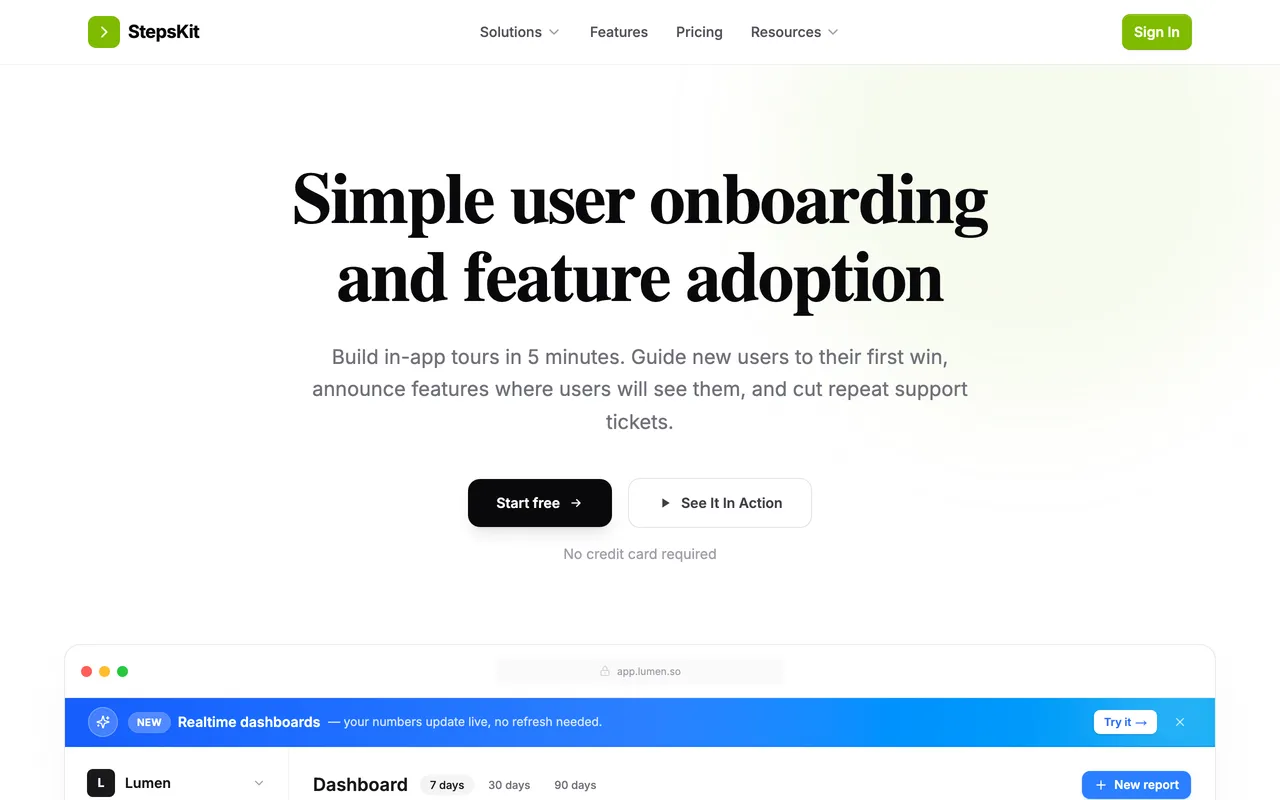
Where Chameleon hands you a deep, CSS-aware editor, StepsKit goes the other way: write a tour, theme it to your brand, target it, ship — no design system to learn, no Governance Suite to configure. For a solo PM or founder who found Chameleon's flexibility was mostly overhead, that trade is the whole point.
The draw for ex-Chameleon teams is usually time-to-first-tour rather than the invoice, though the pricing helps: it's a flat monthly plan with no per-user metering, so a tour that suddenly gets seen by 100,000 people costs the same as one seen by 100. Analytics are built in at the step level, so you can see where people drop without bolting on a second tool, and an AI assistant drafts the tour copy when you're starting from a blank step.
What it does well:
- Live in minutes — write, theme, target, ship, with no CSS or design system to learn
- Flat monthly pricing with no per-MTU metering, so the bill doesn't climb as you grow
- Step-level tour analytics built in, so drop-off is visible without a separate tool
- AI content assistant for drafting step copy
- Audience targeting, page-level visibility rules, and brand theming included
- First tour is free — no credit card, no demo call
Where it falls short: no pixel-level design control like Chameleon's; web-first with no native mobile SDKs (the same gap as Chameleon); and no Pendo-grade analytics suite or enterprise governance/SSO depth today.
Best for: founders and small teams shipping onboarding for the first time, or anyone who wants a tour live this afternoon without a designer in the loop.
The tradeoff: you give up deep customization for speed and predictable cost — the right call only when simplicity is genuinely what you need, and a sidegrade if pixel control is why you chose Chameleon. (See the full StepsKit vs Chameleon comparison for the head-to-head.)
2. UserGuiding — best for all-in-one breadth, approachable
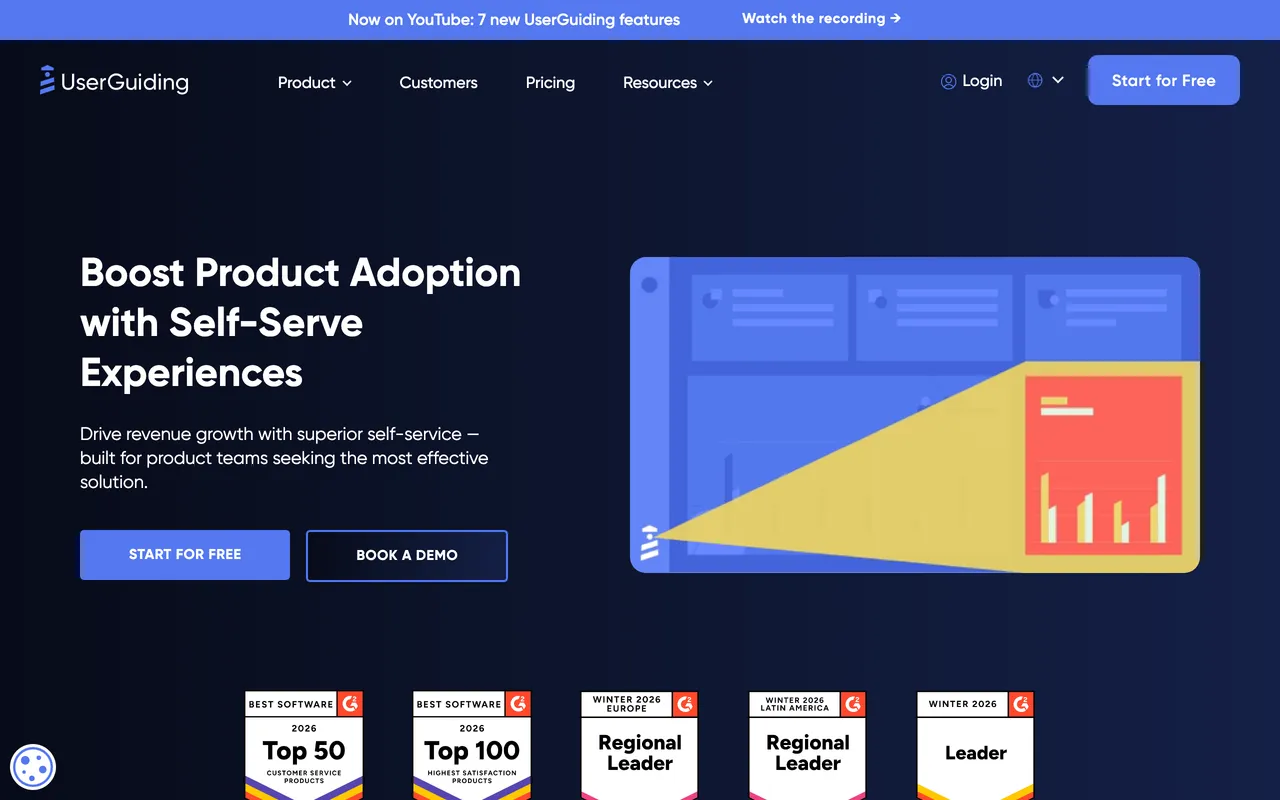
UserGuiding is the closest match to Chameleon's feature breadth — tours, checklists, in-app messages, surveys, segmentation — but aimed at teams who want those out of the box rather than finely tuned. The editor is approachable for a non-technical PMM, and you won't spend a sprint learning it.
The trade is polish and depth: the UI feels a generation behind the newest tools, and analytics stay basic. What it has going for it beyond breadth is transparency — published pricing that sits well under Chameleon's upper tier, a genuine free tier, and consistently strong satisfaction scores on review sites. It still meters on monthly active users, so it softens the cost problem rather than removing it.
What it does well:
- Broad toolkit — tours, checklists, in-app messages, surveys, segmentation — out of the box
- Approachable no-code editor a non-technical PMM can pick up quickly
- Transparent, published pricing with a genuine free tier
- Consistently high satisfaction ratings on G2 and Capterra
- Localization and resource-center features included
Where it falls short: nothing here is best-in-class — design control and reporting are both "good enough," not standout — and the per-MAU model still climbs as you grow.
Best for: teams that want Chameleon's range of experience types without Chameleon's learning curve.
The tradeoff: breadth and a friendlier price in exchange for polish — little is missing, but little is exceptional. The StepsKit vs UserGuiding comparison covers what that price meters on.
3. Appcues — best for a polished, well-supported no-code editor
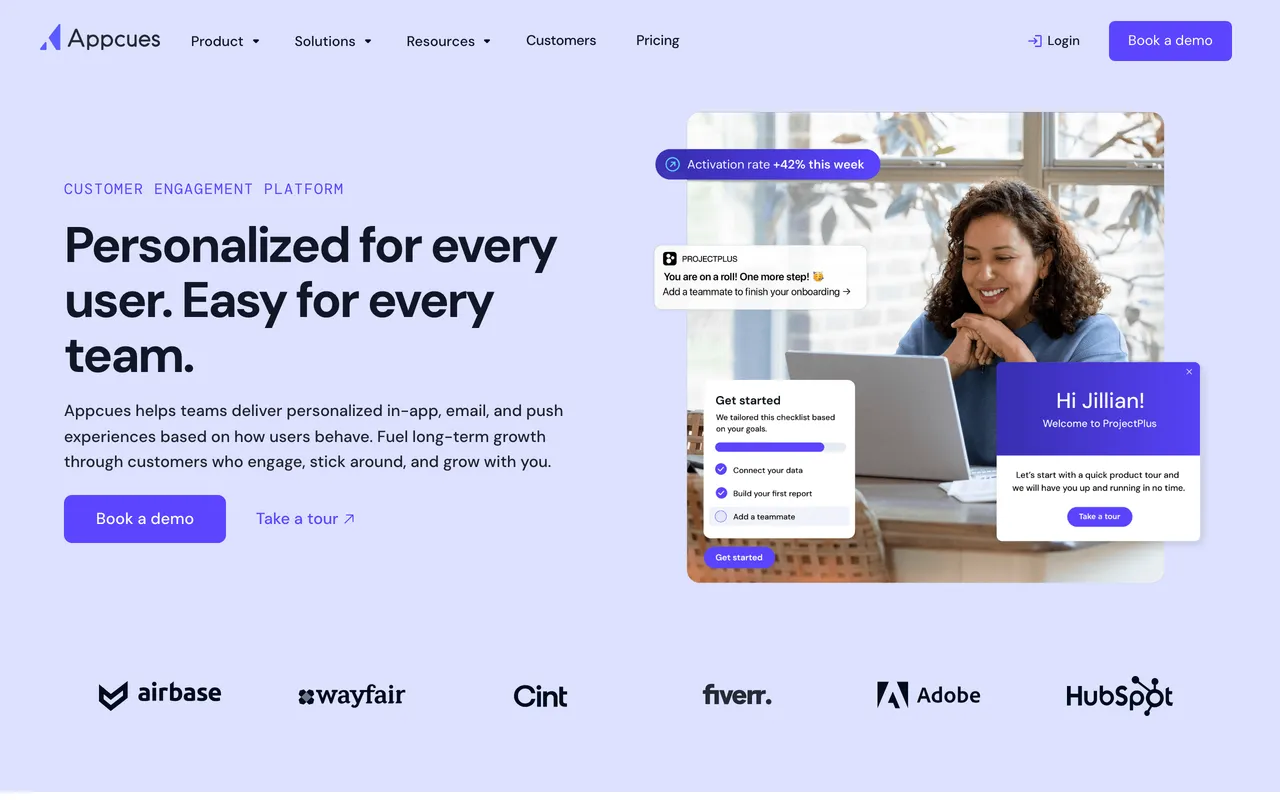
Appcues is the category's original (founded 2013) and still the most polished no-code experience, with the deepest documentation and the strongest support reputation. If your friction with Chameleon is the learning curve rather than the look, Appcues is the gentler no-code path — mature segmentation, a clean builder, and plenty of how-to content when you get stuck.
It's also broader than tours: Appcues runs in-app experiences across web and native mobile, plus email and push, so it can be the single layer for lifecycle messaging as well as onboarding. The catch is commercial: Appcues publishes no prices (every tier is "Book a demo"), so you can't run a real comparison without a sales call.
What it does well:
- The most polished no-code builder in the category, with a gentle learning curve
- Multi-channel: in-app on web and native mobile, plus email and push
- Mature segmentation and event-based targeting
- The deepest documentation and strongest support reputation in the category
- A large, recognizable customer base (Adobe, HubSpot, and others)
Where it falls short: opaque pricing makes head-to-head comparison impossible without a call, and engineering-led teams will find the no-code-only model limiting.
Best for: teams that want the safest, best-supported no-code option and don't mind a sales conversation to get there. (Evaluating Appcues head-on? See the best Appcues alternatives for the reverse comparison.)
The tradeoff: maturity, polish, and multi-channel reach in exchange for pricing opacity and a likely higher cost.
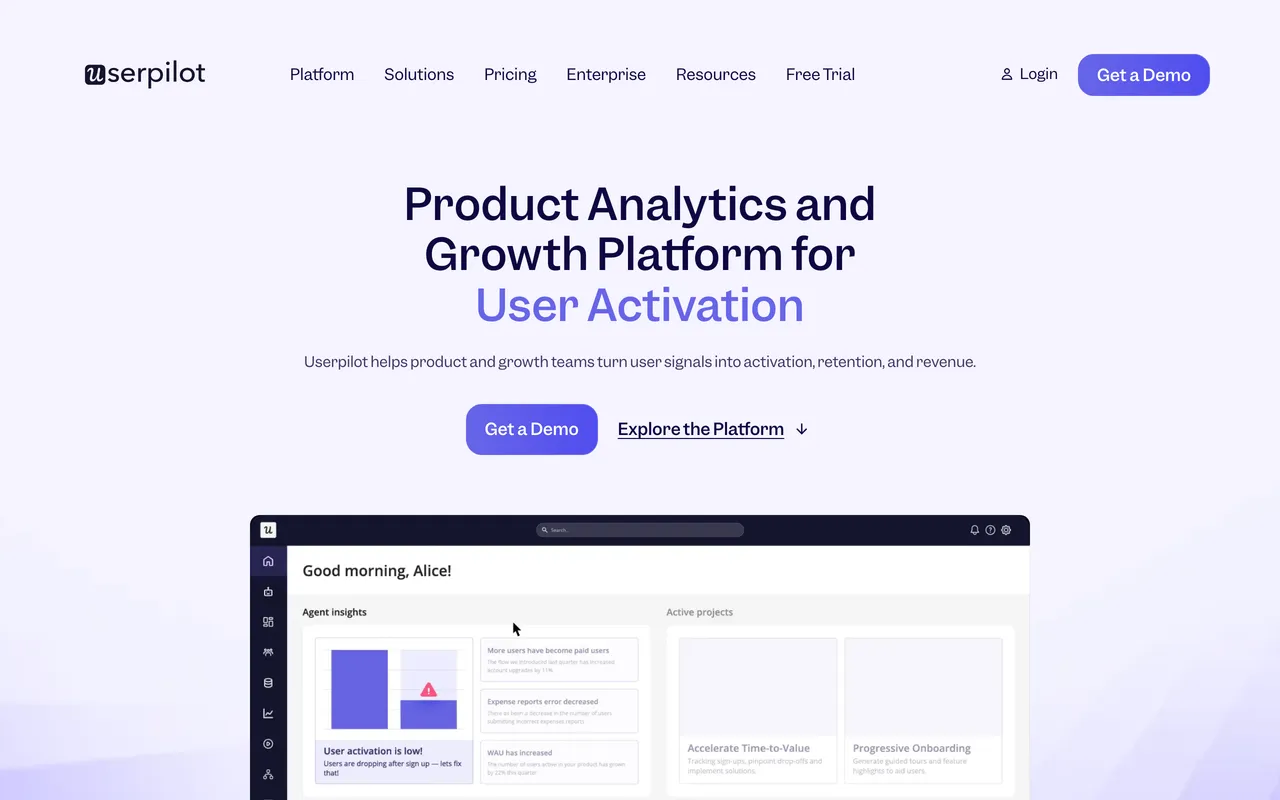
4. Userpilot — best for onboarding and product analytics in one
Userpilot's pitch is consolidation: tours, checklists, and product analytics under one roof, so onboarding decisions and the data behind them live in the same tool. If you're running Chameleon for tours and a separate analytics product alongside, Userpilot can collapse that into one line item.
The analytics is the real differentiator versus Chameleon — funnels, feature usage, and cohort analysis rather than just tour-completion stats — and it offers native mobile as an add-on, which Chameleon doesn't. The flip side of bundling everything is that no single module is best-in-class, and the analytics is wasted budget if your team already lives in Amplitude or Mixpanel.
What it does well:
- Genuine product analytics — funnels, feature usage, cohorts — alongside onboarding
- Tours, checklists, and in-app messages in the same platform
- Native mobile available as an add-on
- Segmentation and a resource center built in
- Collapses a separate tours tool and analytics tool into one line item
Where it falls short: as a generalist, no single module leads its category; it meters on MAUs like Chameleon; and the bundled analytics is redundant spend if you're already on Amplitude, Mixpanel, or PostHog.
Best for: teams that want onboarding plus genuine product analytics from the same platform.
The tradeoff: one-tool convenience over best-of-breed depth in any single area.
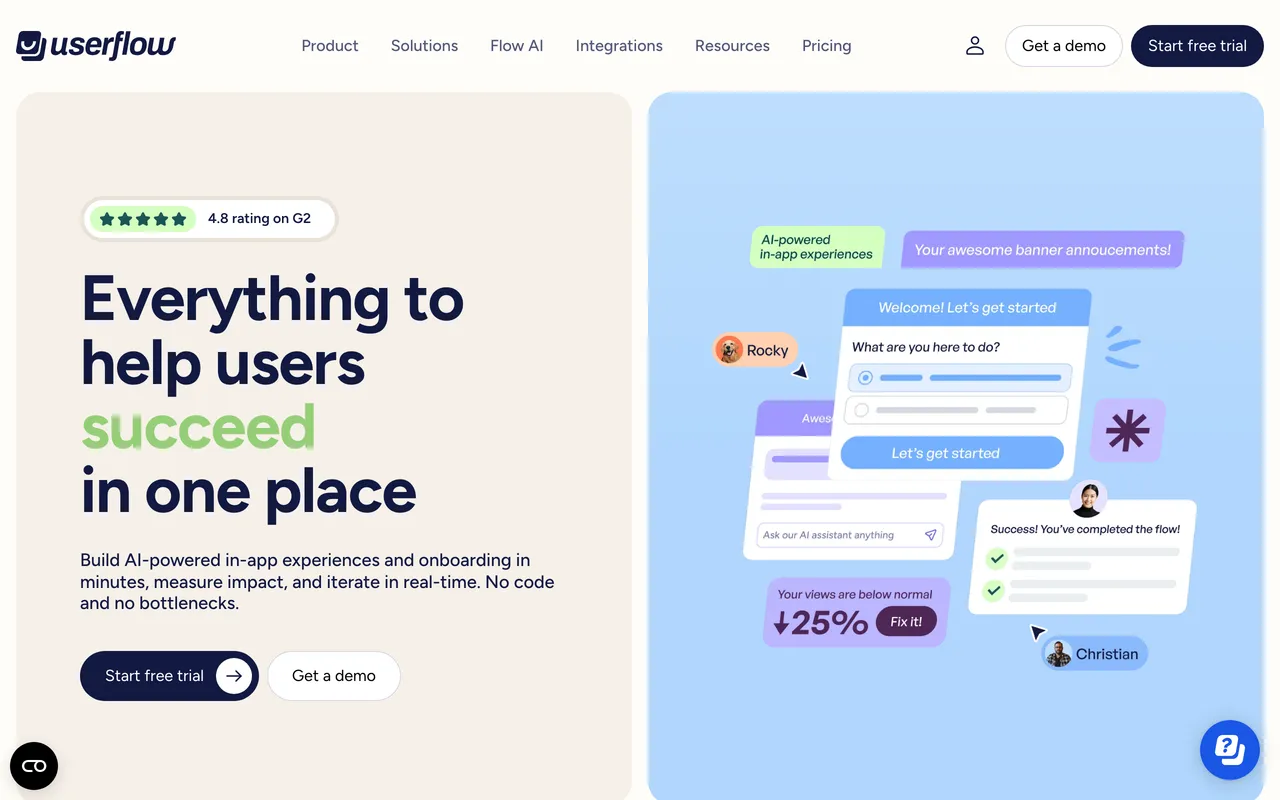
5. Userflow — best for engineering-owned onboarding
Userflow inverts Chameleon's model. Where Chameleon's power lives in a visual editor, Userflow's lives in its API and component-level control — onboarding treated as a real product feature: versioned, tested, deployed alongside the app. If the friction was "our PM keeps needing CSS," handing tours to engineering removes the visual-editor dependency entirely.
It isn't only for developers — there's a no-code builder, AI-assisted flow creation, checklists, surveys, and a resource center — but the tool is clearly happiest with an engineer in the room, and its no-code side is intentionally less polished than Appcues' or UserGuiding's as a result.
What it does well:
- Strong API and component-level control — onboarding versioned, tested, and deployed with the app
- A code-first workflow that removes the "PM needs CSS" dependency entirely
- AI-assisted flow building for faster setup
- Checklists, surveys, and a resource center included
- A high (4.8) satisfaction rating on G2
Where it falls short: the no-code editor is intentionally less polished, so non-technical teammates get less out of it; it's web-first; and pricing meters on MAUs.
Best for: engineering-led teams that would rather configure onboarding in code than click through a builder.
The tradeoff: developer power and clean version control in exchange for less self-serve friendliness for non-technical users.
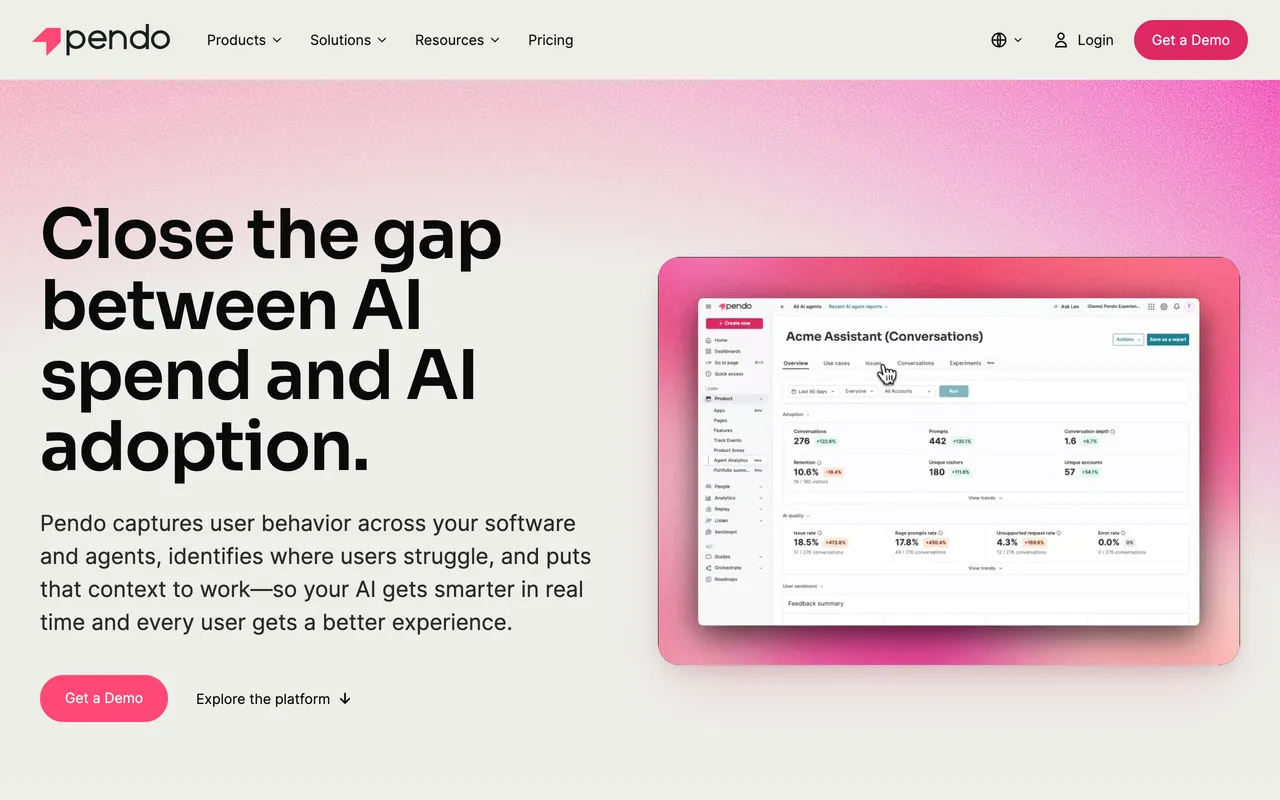
6. Pendo — best for enterprise analytics and adoption at scale
Pendo is where teams land when the need outgrew "tours" into "tours + deep product analytics + session replay + NPS across several product surfaces." It's the enterprise default, and its analytics depth is genuinely beyond what Chameleon does. It also covers native mobile and multiple product surfaces from one place.
The cost is scope and time: implementation runs in weeks rather than days, pricing is a custom annual contract, and it's overkill if all you need is onboarding tours. But for an org where Product, CS, and Marketing all want to work from the same behavioral data, that breadth is the entire reason it exists.
What it does well:
- The deepest product analytics of the group, plus session replay
- Sentiment/NPS surveys and in-app guides in one platform
- Native mobile and multi-product coverage
- Data sync and integrations for a single source of truth across teams
- A free tier (up to 500 MAUs) to start
Where it falls short: implementation runs in weeks, not days; pricing is a custom annual contract; and it's far more than a team that just needs tours should take on.
Best for: Series B+ orgs that want analytics and onboarding from one source of truth — including native mobile. (Sizing up Pendo directly? See the best Pendo alternatives for the reverse comparison.)
The tradeoff: unmatched depth and breadth in exchange for cost, complexity, and a long rollout.
How to choose
Match the tool to why you're leaving, not to a leaderboard:
- Editor felt too complex, or you want a tour live today? → StepsKit (simplest) or UserGuiding (more features, still approachable).
- Want polished no-code with strong support? → Appcues.
- Need real product analytics alongside onboarding? → Userpilot (mid-market) or Pendo (enterprise).
- Want engineering to own onboarding in code? → Userflow.
- Need native mobile or multi-surface analytics at scale? → Pendo, Appcues, or Userpilot's mobile add-on.
- Mainly leaving over cost and MTU scaling? → StepsKit's flat plan or UserGuiding's lower tiers — just note most of the others still meter on MAUs.
When you don't need a Chameleon alternative at all
A section the affiliate-funded roundups skip. Switching tools is the wrong move when:
- You have a designer or front-end-comfortable PM, and design control is why you chose Chameleon. That flexibility is Chameleon's genuine strength, and none of the simpler tools above will match it — you'd be trading down.
- The pain is one missing capability mid-contract. Sometimes the honest fix is a single add-on or a renewal negotiation, not a migration that costs weeks of rebuilding tours, segments, and analytics setup.
- The real problem is the product, not the onboarding. Most "users get stuck" moments are empty-state or first-run-clarity problems. A tour on top of a confusing screen is a band-aid; no tool on this list fixes that.
- You're under ~50 active users with one flow. A custom React + Tailwind implementation takes an afternoon and costs nothing per month. Reach for a tool when authoring-by-non-engineers, targeting, and analytics start to matter.
Bottom line
Strip away the brand names and the choice comes down to who builds and maintains your tours, and what you need around them. If Chameleon's editor was too much machinery, the simplest replacements are StepsKit and UserGuiding. If you want polished no-code with a safety net, Appcues. If the real gap is data, Userpilot or Pendo. If engineering owns onboarding, Userflow.
And if you mostly need tours live fast on predictable, flat pricing — without a sales call or an MTU meter — that's the problem StepsKit was built for, and the first tour is free if you'd rather try it than take our word for it. Whatever you choose, match it to your team's reality rather than a leaderboard: the wrong-fit tool is expensive at any price.
Common questions
What is the best Chameleon alternative? There's no single best — it depends on why you're leaving. For the simplest, fastest path, StepsKit. For Chameleon-like breadth without the learning curve, UserGuiding. For polished no-code with strong support, Appcues. For analytics alongside onboarding, Userpilot or Pendo. For code-first onboarding, Userflow.
Which Chameleon alternative is easiest to use? StepsKit and UserGuiding have the gentlest learning curves — both are aimed at non-technical builders. Appcues is the most polished no-code editor of the group. Pendo and Userflow expect more upfront investment: an enterprise rollout for Pendo, a developer in the loop for Userflow.
Which has the strongest analytics? Pendo is deepest by a wide margin, followed by Userpilot's bundled analytics. StepsKit gives you step-level tour analytics out of the box; UserGuiding and Appcues are lighter. If you already run Amplitude, Mixpanel, or PostHog, you may not need a tool's bundled analytics at all.
Do any of these support native mobile apps? Pendo and Appcues do (Appcues runs across web and native mobile), and Userpilot offers mobile as a paid add-on. StepsKit, UserGuiding, and Userflow are web-first (including hybrid/wrapped web views) and don't ship native iOS/Android SDKs. If you have a Swift or Kotlin app, that requirement narrows the list quickly.
How do these compare on price? Briefly: StepsKit is a flat plan, UserGuiding publishes the lowest traditional tiers, Userpilot and Userflow meter on MAUs, and Appcues and Pendo are sales-gated or custom-contract. Cost matters — but weigh it after fit, since the wrong tool is expensive at any price.
Can I migrate my existing tours over? No tool offers a one-click import of another vendor's tours — the underlying targeting and content models differ too much. Plan to rebuild flows manually. The upside is that a migration is a good moment to delete the tours that were never pulling their weight.
For the wider category beyond Chameleon's direct competitors, see our roundup of the best product tour software in 2026.